How to add testimonials to Framer
Updated · 4 min read · By George Ryder
You can add testimonials to a Framer site by designing them on the canvas, or by placing a testimonial widget in an Embed set to HTML. This guide covers both, how to size the embed, and why it only shows up once the site is published.
Option 1: design them on the canvas
Framer's Insert menu includes ready-made sections you can adapt, and you can build testimonial cards from a stack with a text layer for the quote and another for the name. Make one card a component so the rest stay consistent. For many testimonials, a CMS collection with quote, name and role fields saves repeating the design.
You'll still copy each new testimonial in by hand and keep your own record that the customer agreed to be quoted.
Option 2: a testimonial widget in an Embed
A testimonial widget is a snippet from a testimonial tool. Place it once, and new testimonials appear on your site as you approve them, with no Framer changes. A typical snippet looks like this:
<script async src="https://trytestimonials.com/widget.js"></script>
<div class="tc-wall" data-wall="your-wall-code"></div>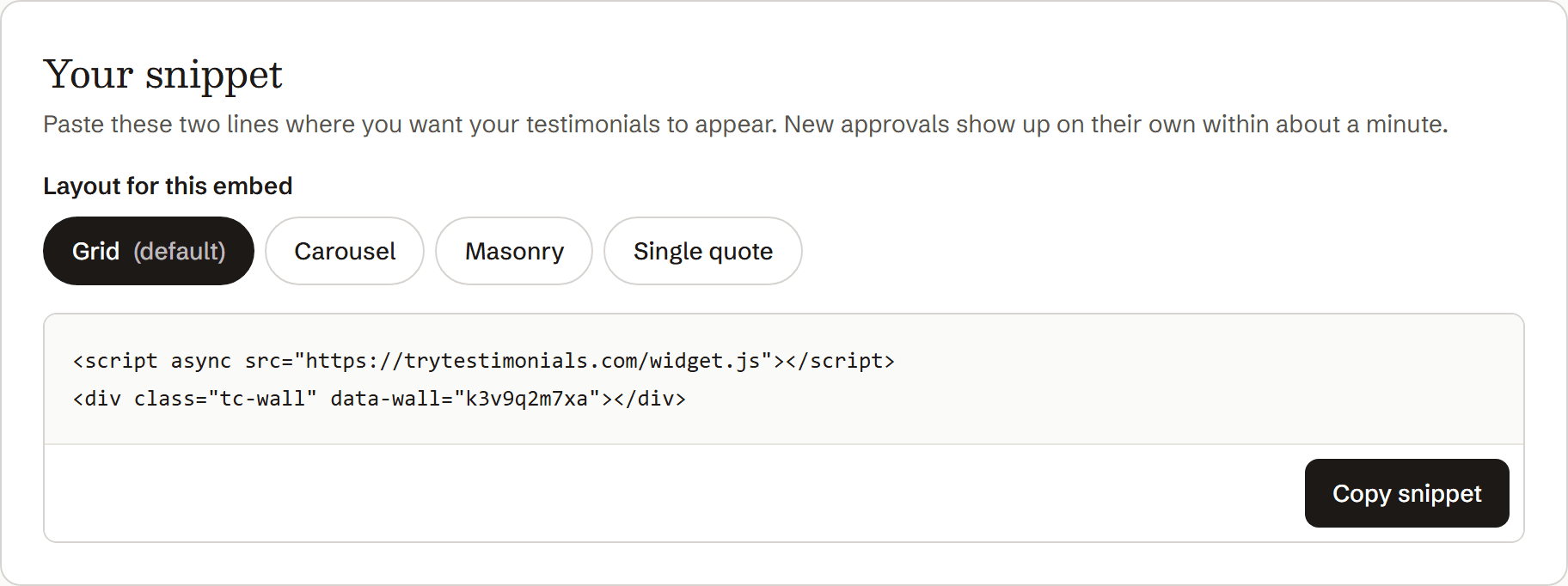
Copy the snippet from your testimonial tool.
In Framer, open Insert and add an Embed.
Searching the Insert menu for “Embed” is the quickest way to find it.
In the properties panel, set the Embed's type to HTML.
The URL type is for embedding a whole web page; you want HTML.
Paste the snippet into the HTML field.
Set the width to fill its container, and give it a height.
See the sizing notes below.
Publish, then check the live site on desktop and phone.
The widget won't appear on the canvas, only on the published site.
Sizing the embed
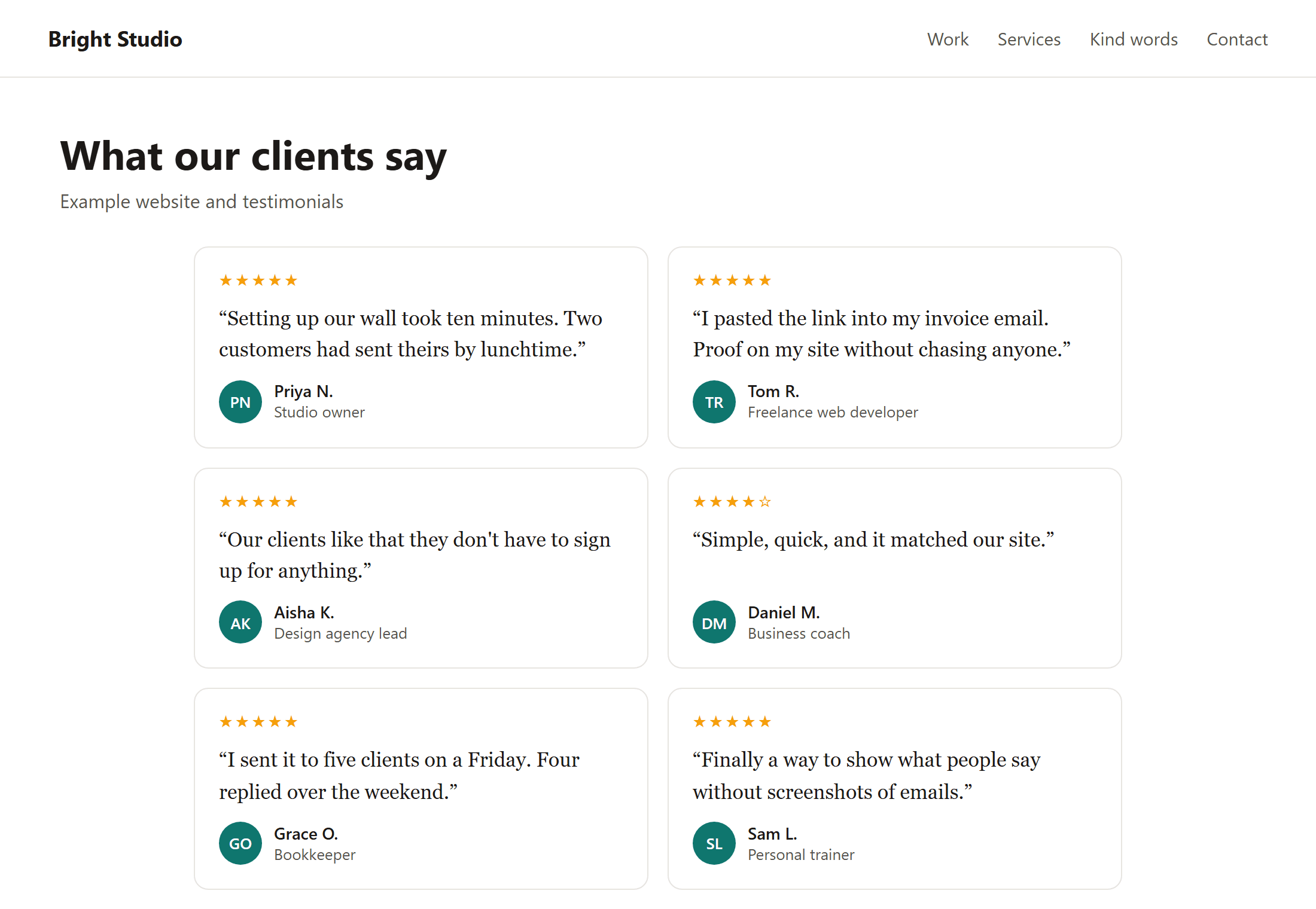
An Embed is a box of a fixed size, and what's inside doesn't stretch it. If the box is shorter than your testimonials, they get cut off or scroll inside the box.
- Make the Embed's width fill its parent, so the widget can use the full column.
- Set a height that fits your testimonials on desktop, then check your phone breakpoint, where cards stack and need more room.
- If your tool has a carousel or single-quote layout, it's the easiest choice in Framer: it stays one card tall, so the height never needs adjusting as testimonials are added.
If it doesn't appear
- You're looking at the canvas. Check the published site.
- The type is set to URL. Change the Embed type to HTML and paste the snippet again.
- It's cut off. Increase the Embed's height, especially at the phone breakpoint.
- You haven't republished. Changes go live when you publish.
For getting more testimonials, see How to ask customers for testimonials and these request templates.
Questions
Do I need a Framer plugin or code component?
No. The built-in Embed, set to HTML, runs a testimonial widget's snippet as it is.
Why is my embed blank while I'm editing?
Framer doesn't run embedded scripts on the canvas. The testimonials appear on the published site.
Can I style the widget with Framer?
Not directly, because it runs inside the Embed's own frame. Use the colour and layout settings in your testimonial tool to match your site.