How to add testimonials to your Wix website
Updated · 5 min read · By George Ryder
You can add testimonials to a Wix site by typing them into the editor, or by embedding a testimonial widget that collects them from customers and keeps itself up to date. This guide covers both, and the one thing that trips most people up with Wix embeds: the size of the box.
Option 1: type them into the Wix editor
For a handful of quotes that rarely change, the editor is fine. Open Add Elements (+) and look for ready-made testimonial sections or layouts, or build your own from a text box for the quote and another for the person's name. A repeater or a strip with columns keeps several quotes lined up.
The downside is upkeep: every new testimonial means editing the page and republishing, and you need to keep your own record that each customer agreed to be quoted.
Option 2: embed a testimonial widget
A testimonial widget is a short snippet of code from a testimonial tool. Paste it once, and new testimonials appear as you approve them, without touching your Wix site again. Most snippets look something like this:
<script async src="https://trytestimonials.com/widget.js"></script>
<div class="tc-wall" data-wall="your-wall-code"></div>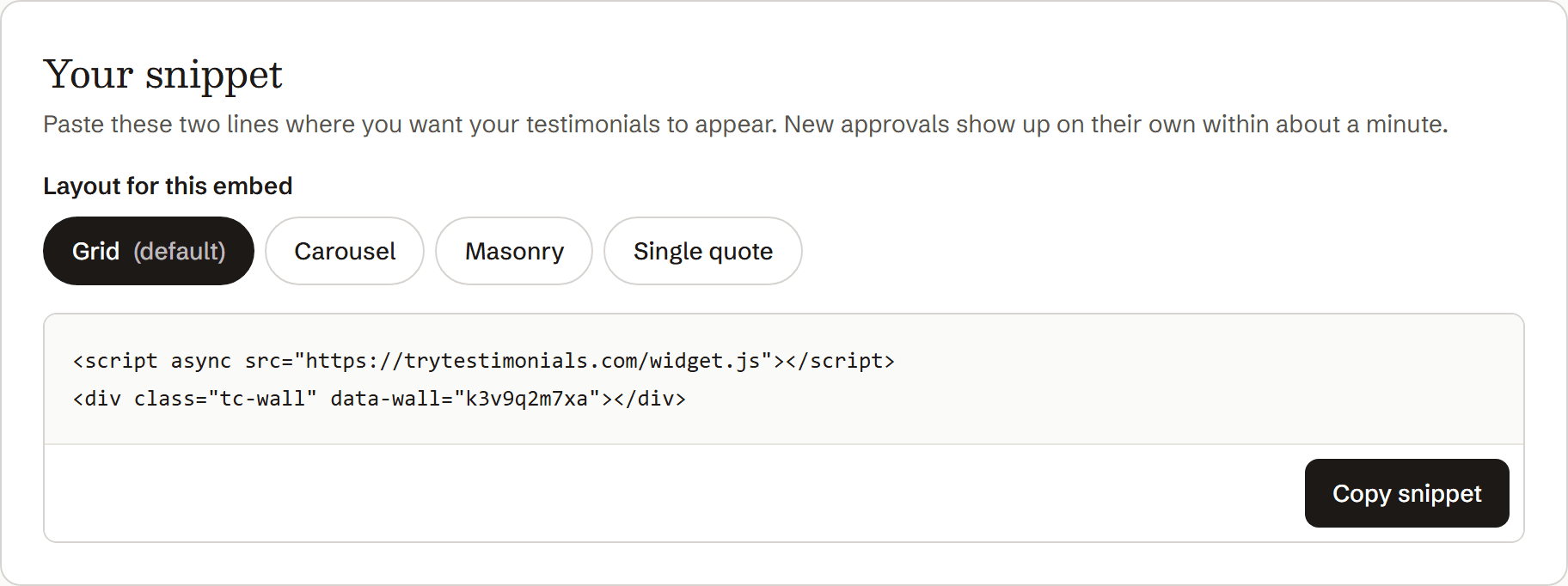
Add it in the Wix Editor
Copy the snippet from your testimonial tool.
In the Wix Editor, click Add Elements (+), then Embed Code.
Choose Embed HTML. (In Wix Studio, it's under Add → Embed.)
Click Enter Code, make sure Code is selected (not Website Address), and paste the snippet.
Click Update. The box may stay blank in the editor; that's normal.
Drag the box's handles to make it wide and tall enough.
See the next section for how tall. This is the step most people miss.
Switch to the mobile view and size the box there too.
Wix keeps a separate layout for phones. On a narrow screen the cards stack, so the box needs to be taller.
Publish, then check the live site on your computer and phone.
Getting the height right
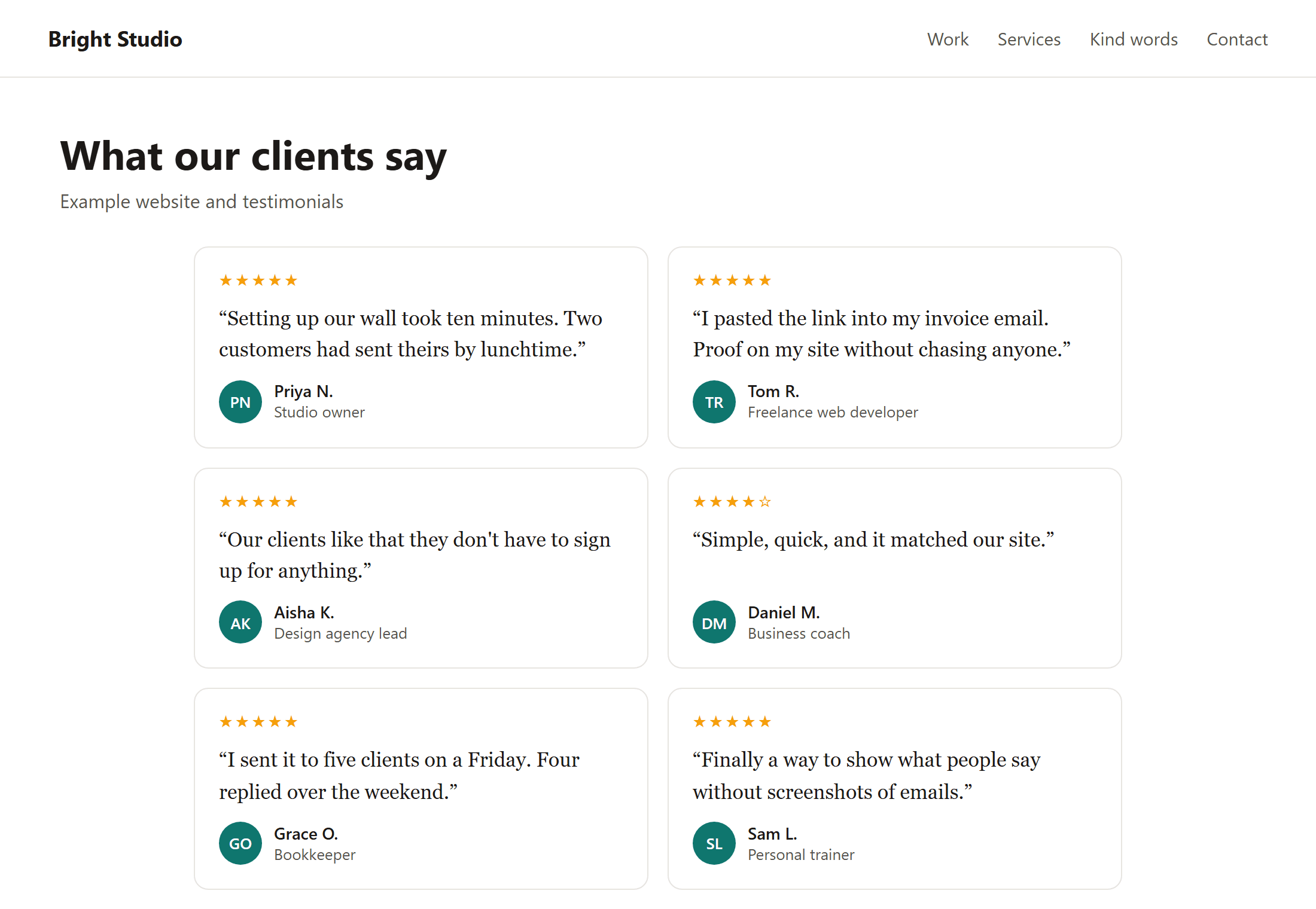
Wix puts embedded code inside a fixed-size frame. The frame doesn't grow to fit what's inside it, so if it's too short the testimonials get cut off or show a scroll bar inside the box.
- Start by making the box roughly as tall as the testimonials look on your live page, then adjust.
- Allow more height on mobile, where cards stack one under another.
- If your tool offers a carousel or single-quote layout, use it on Wix. Those stay one card tall however many testimonials you have, so the height never needs changing.
If it doesn't appear
- You're checking in the editor. Scripts often don't run in the Wix Editor or its preview. Check the published site.
- You pasted it as a website address. In the embed settings, choose Code, not Website Address.
- The box is too small. If you see a scroll bar or half a card, make the box taller.
- Your plan. Wix keeps some code features for premium plans. The Embed HTML element is the one to use, but if nothing shows on a free site, check Wix's current plan details.
Where to put them
The best spots are your home page (just below the first section), your services page, and next to the button you want people to press, such as “Book now” or “Get in touch”. A separate “Reviews” or “Kind words” page is good for people who want to read more.
Need more testimonials to show? Read How to ask customers for testimonials, or copy one of these testimonial request templates.
Questions
Do I need a Wix app for testimonials?
No. The App Market has testimonial and review apps, but any tool that gives you an embed snippet works with Wix's built-in Embed HTML element, with nothing to install.
Why is there a scroll bar inside my testimonials?
The Wix embed box is shorter than the content. Drag it taller, on both the desktop and mobile layouts.
Can I match the testimonials to my site's colours?
With typed-in quotes, you style them like any other text. With a widget, look for colour and theme settings in the tool; the widget usually inherits nothing from Wix because it runs inside its own frame.