How to add testimonials to Webflow
Updated · 4 min read · By George Ryder
In Webflow you can build a testimonials section by hand, from a CMS collection, or by dropping a testimonial widget into a Code Embed element. This guide covers all three, the plan you need for code, and how to check the widget once it's published.
Option 1: build it in the Designer
Add a Section with a Container, then a grid or flex row of cards. Each card needs a paragraph for the quote and a smaller text line for the name and role. Turn the first card into a component, and every card you add after it stays styled the same.
If you'll add testimonials regularly, make a CMS collection called Testimonials, with fields for the quote, name and role. Then add a Collection List to the page and bind the card's text to those fields. New testimonials then only need a new CMS item. You still copy each one in yourself and keep your own record of permission.
Option 2: a testimonial widget in a Code Embed
A testimonial widget is a short snippet from a testimonial tool. You place it once, and new testimonials appear as you approve them, with no CMS items to add. A typical snippet looks like this:
<script async src="https://trytestimonials.com/widget.js"></script>
<div class="tc-wall" data-wall="your-wall-code"></div>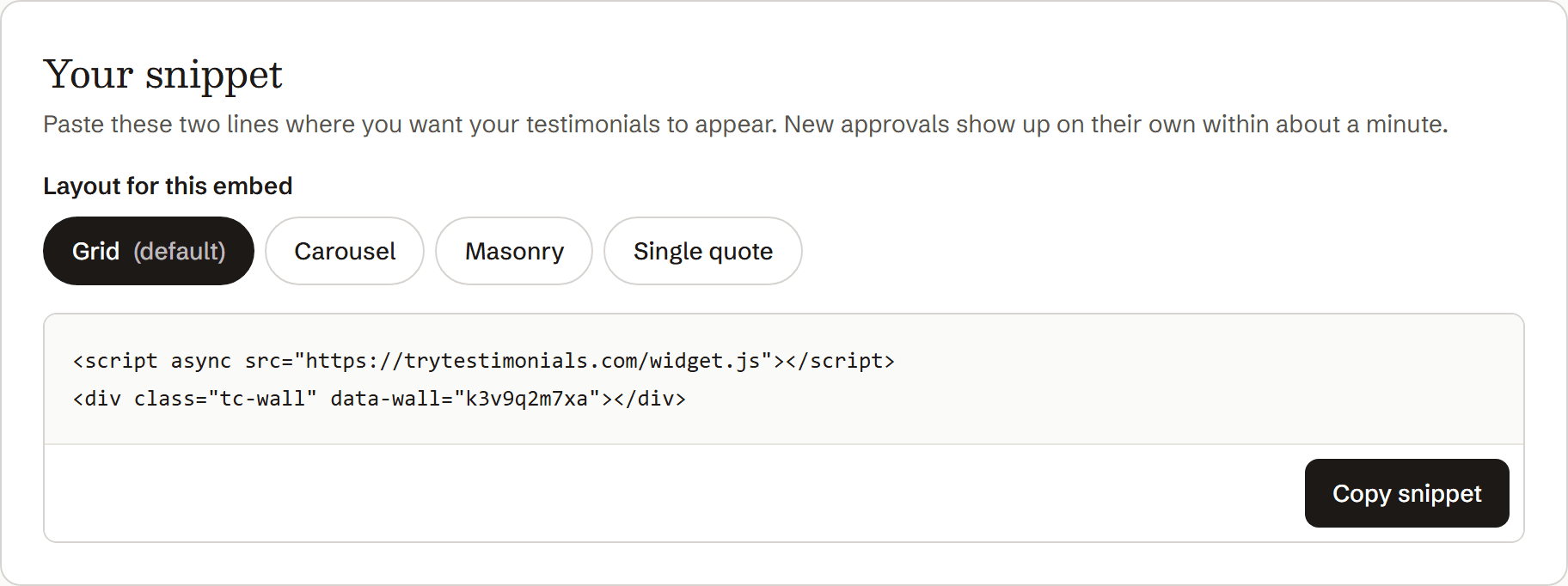
Copy the snippet from your testimonial tool.
In the Designer, open the Add panel and find Code Embed.
Drag it into the section where the testimonials should go, ideally inside a Container so it lines up with your content.
Paste the snippet into the code editor and click Save & Close.
Publish the site.
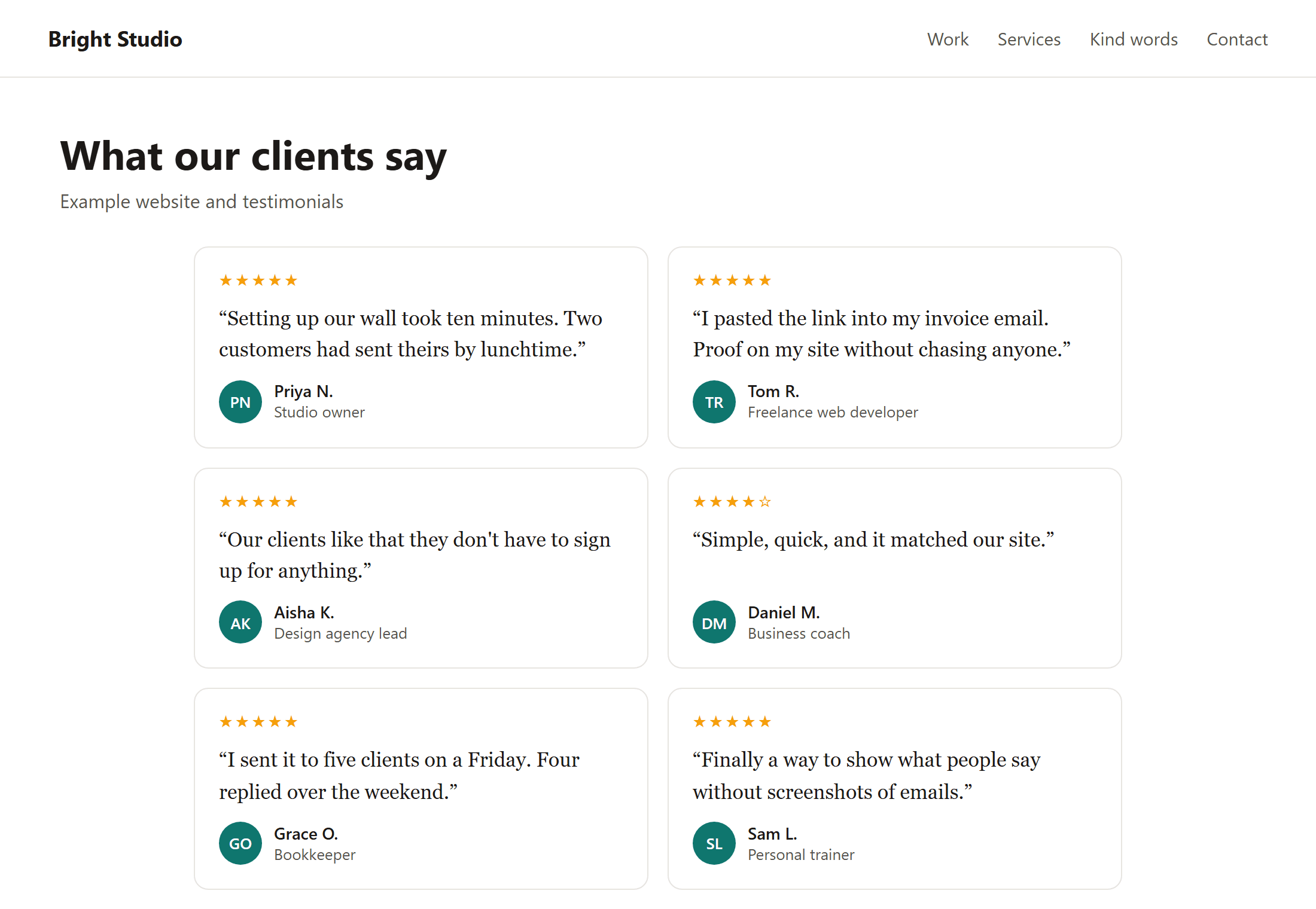
Scripts don't run on the Designer canvas, so the embed shows as a placeholder until you look at the published site.
Open the published page and check it on desktop and phone.
If it doesn't appear
- You're on the Starter plan. Add a Site plan to the site, or use a paid Workspace.
- You're checking the canvas. Look at the published site instead.
- The embed is hidden or zero-width. Check the element's display setting and its parent's width, including at the tablet and phone breakpoints.
- You haven't republished. Changes to a Code Embed only go live when you publish again.
Where to place them
Below your hero section, on service and pricing pages, and right above your main call to action. If you sell to businesses, a testimonial that names a result (“bookings up 30%”) beside your pricing is especially persuasive.
To gather more, read How to ask customers for testimonials, and copy a message from these request templates.
Questions
CMS collection or widget: which is better?
A CMS collection gives you complete design control but means adding every testimonial by hand. A widget collects testimonials from customers and shows new ones as you approve them, at the cost of some design control. Many sites use a widget for the full wall and a few hand-picked quotes elsewhere.
Will the widget's content help my SEO?
Google can run JavaScript, so it can usually see widget content. For quotes that matter for search, also include them as normal text, for example in a CMS collection.
Can I put the snippet in the site-wide custom code settings instead?
That loads it on every page but doesn't place the testimonials anywhere. Use a Code Embed element where you want them to appear.